

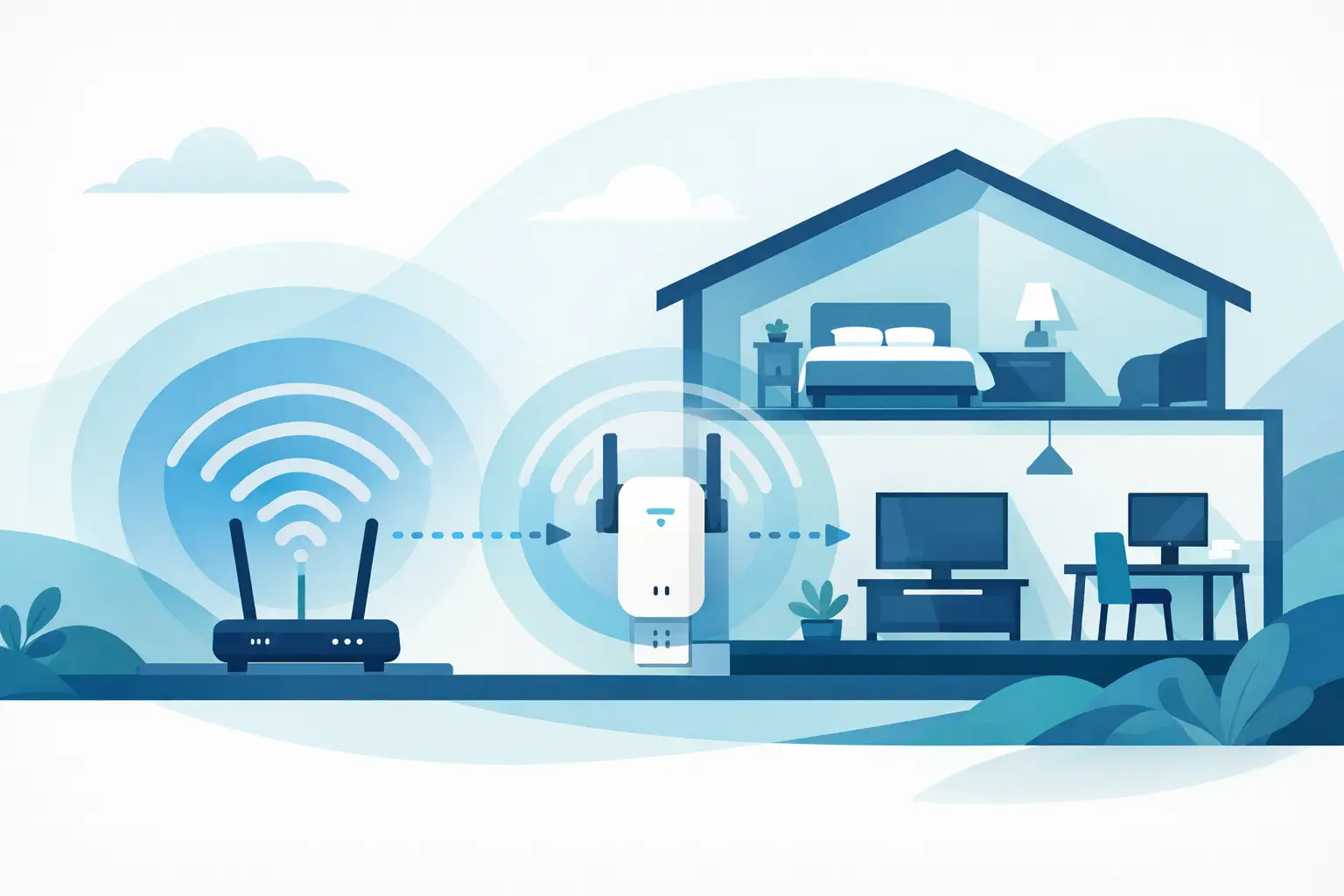
You notice it when the movie starts buffering in the back bedroom, the video doorbell drops offline, or your laptop clings to one bar in the home office. That is usually when wifi signal extension for home stops sounding like a nice upgrade and starts feeling like a basic necessity. The good news is that weak coverage is usually fixable. The better news is that the right fix depends on your layout, not just the box you buy.
Why home Wi-Fi weakens in the first place
Most people assume bad Wi-Fi means bad internet service. Sometimes that is true, but often the bigger problem is what happens after the signal enters the house. Your internet speed can be perfectly fine at the modem and still perform poorly in the rooms where you actually use it.
Walls, floors, brick fireplaces, metal framing, and large appliances all affect coverage. A router tucked into a media cabinet or hidden in a corner can also lose a lot of strength before the signal ever reaches the other side of the house. In many Dallas homes, the issue gets worse when the router is installed wherever the provider happened to place the line, not where the signal can serve the whole space.
Device load matters too. A home with a few phones and one TV is different from a home running multiple smart TVs, gaming systems, security cameras, laptops, tablets, and smart home devices all day long. The more devices competing for signal, the more obvious weak spots become.
WiFi signal extension for home is not one-size-fits-all
There are a few common ways to improve Wi-Fi coverage, and each has a place. The mistake many homeowners make is buying the first extender they see and hoping it fixes every room. Sometimes that works. A lot of times, it only moves the problem.
Wi-Fi extenders
A standard Wi-Fi extender rebroadcasts your router’s signal into a dead zone. This can help in smaller homes, apartments, and single trouble spots like an upstairs office or back patio. It is usually the fastest and most affordable starting point.
The trade-off is speed and consistency. If the extender is too far from the router, it is repeating a weak signal, which means the improved coverage may still feel slow. Placement matters more than most people expect. An extender should sit between the router and the weak area, not inside the dead zone itself.
Mesh Wi-Fi systems
Mesh systems use multiple nodes to spread coverage more evenly across the home. These are often the better fit for larger homes, multi-story layouts, and households with a lot of connected devices. Instead of one extender trying to rescue a weak signal, mesh systems are designed to create broader, more reliable coverage throughout the property.
They usually cost more than a basic extender, but they solve more problems at once. If your issue is not just one room, mesh is often the cleaner answer.
Wired access points
If you want the strongest and most stable result, a wired access point is hard to beat. This setup uses Ethernet wiring to connect additional wireless access points in key areas of the home. It is especially useful for home offices, media rooms, and homes with thick walls or challenging layouts.
This option takes more planning, and in some homes it requires running cable through walls or attic space. But when reliability matters, especially for work-from-home setups or streaming-heavy households, wired access points can make a major difference.
How to tell which fix fits your home
Before you spend money, it helps to identify the real pattern. If the signal only drops in one bedroom, one extender may be enough. If the whole second floor struggles, the issue is probably larger than a single dead spot.
Think about where your router sits now. If it is near the front of the house and your problems are all in the back, relocating the router may help more than buying extra equipment. If the router is jammed behind a TV, inside a cabinet, or sitting on the floor, even a better placement can improve performance.
It also helps to pay attention to what kind of problem you are seeing. Slow speeds, complete disconnects, and smart devices randomly dropping offline are related issues, but they do not always point to the same solution. Sometimes the network is overloaded. Sometimes the signal is blocked. Sometimes the provider equipment is simply not strong enough for the size of the home.
Common mistakes that make Wi-Fi worse
A lot of home network problems come from small setup choices that seem harmless at first. One of the biggest is putting the router wherever it looks neat instead of where it works best. Clean setup matters, but signal needs open space and a practical location.
Another common problem is stacking too many devices around the router. Cable boxes, sound systems, gaming consoles, and TVs can create interference when everything is crowded into one entertainment center. That setup may look organized, but it is not always ideal for wireless performance.
People also tend to overestimate what a cheap plug-in extender can do. These devices are helpful, but they are not magic. If your internet plan is underpowered, your home has major signal barriers, or your layout is especially long or split-level, a basic extender may only offer a partial fix.
When professional Wi-Fi troubleshooting makes sense
If you have already restarted the router, moved it around, and tried an extender without much improvement, the issue is probably not going away on its own. That is usually the point where professional troubleshooting saves time.
A technician can test where the signal drops, identify whether the problem is placement, interference, outdated hardware, or poor equipment matching, and recommend a fix that actually fits the home. That matters because buying the wrong solution two or three times usually costs more than doing it right once.
For many homeowners, the value is not just better internet. It is getting a clean, dependable setup without trial and error, loose wires, or equipment sitting in awkward places. That is especially important when Wi-Fi supports more than browsing – things like streaming, remote work, security cameras, smart thermostats, and video doorbells all depend on reliable coverage.
What a better setup looks like day to day
When your Wi-Fi is working the way it should, you stop thinking about it. The TV streams in the living room and bedroom without buffering. The laptop stays connected on work calls. The smart doorbell responds quickly. You can walk from room to room without watching your phone drop off the network.
That kind of consistency usually comes from a setup that matches the home, not from the most expensive gear on the shelf. Sometimes it is one well-placed extender. Sometimes it is a mesh system. Sometimes it is a more complete in-home network solution with proper placement and hardwired support where it counts.
Getting wifi signal extension for home right the first time
If you want a quick fix, start with router placement and a clear look at where coverage actually drops. If you want a lasting fix, focus on the layout of your home, the number of connected devices, and the rooms that matter most.
For homeowners and renters who would rather skip the guesswork, professional help can make the process faster, cleaner, and a lot less frustrating. Neighborhood Tech – TV Mounting Services handles in-home Wi-Fi troubleshooting and signal extension with the same approach customers want for any home tech job – quick, clean, and built to last. You can learn more at https://hangtvnow.com/.
A strong home network does not have to be complicated. The right setup should feel simple once it is in place, and that is exactly the point.
