

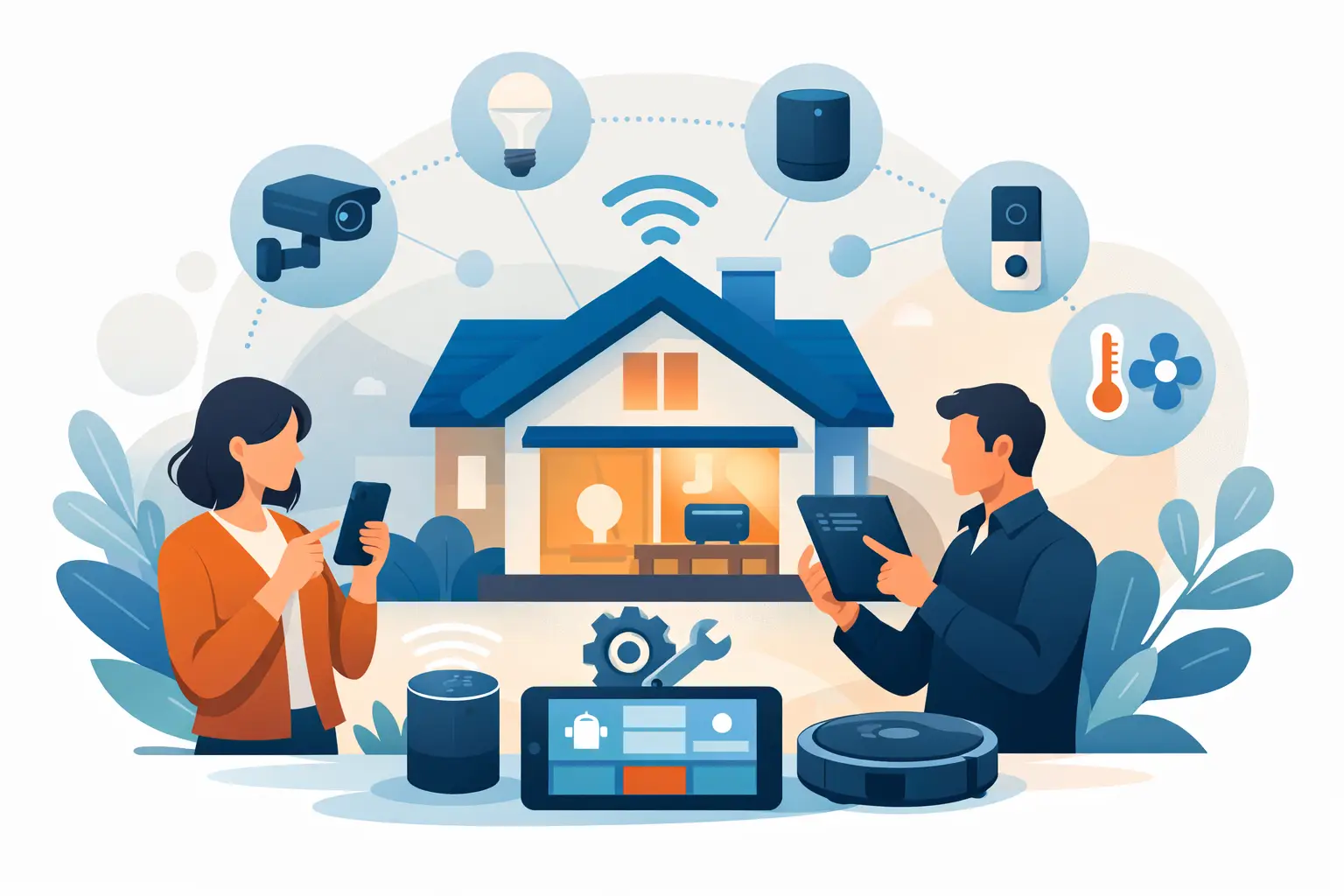
A smart home usually starts with one simple purchase and turns into five apps, two weak Wi-Fi spots, a camera that drops offline, and a TV area full of cords. If you are looking for smart home setup help, you probably do not need a lecture on technology. You need your devices installed correctly, connected reliably, and working the way they should without turning your living room into a weekend project.
That is where professional in-home tech support makes a real difference. Smart home products are marketed as easy to install, but the hard part is not opening the box. The hard part is getting everything to work together in a real home with real walls, real signal issues, and real placement limitations.
What smart home setup help should actually include
Good smart home setup help is not just plugging in devices and calling it done. It starts with understanding how you live in the space. A video doorbell needs the right angle, stable power, and a strong Wi-Fi connection at the front door. A smart TV setup needs secure mounting, clean cable routing, and enough nearby power for streaming devices, soundbars, and gaming systems. Smart speakers and lighting need proper placement if you want reliable voice control and consistent coverage.
The difference between a quick install and a setup that lasts usually comes down to planning. That includes checking your internet strength, identifying dead zones, choosing the best device locations, and making sure cords are managed cleanly and safely. In many homes, the biggest issue is not the device itself. It is the network behind it.
Why smart home setups go wrong
Most setup problems are not dramatic. They are frustrating. A camera works fine until it rains. A smart thermostat disconnects every few days. A mounted TV looks good, but the wires are still visible. Voice assistants respond in one room and ignore you in another.
These problems happen because smart devices depend on the basics being right. Power, placement, signal strength, and compatibility matter more than most people expect. Renters and apartment residents often deal with added limits such as shared walls, restricted drilling, and router placement they cannot control. Homeowners may have more flexibility, but they also deal with larger floor plans, detached rooms, and older construction that weakens Wi-Fi.
That is why it helps to have a technician who looks at the whole setup instead of one item at a time. If your video doorbell keeps dropping, the fix may be signal extension. If your streaming quality is inconsistent, the issue may be your TV location or router placement. If your smart display feels cluttered, it may be time to hide wires in-wall or relocate an outlet for a cleaner finish.
Smart home setup help for the devices people use most
For most Dallas-area homes, smart home support usually centers on a few key categories. TVs and entertainment systems are at the top of the list because they combine several needs at once – safe mounting, power access, cable management, streaming device setup, and audio connection. A large TV mounted too high, too low, or into the wrong wall material is not just annoying. It can become a safety issue.
Video doorbells and security cameras are another common request. These devices need more than a good picture. They need dependable connectivity, clean installation, and the right viewing angle to cover what matters. If they are installed too low, too high, or too far from a stable signal, performance suffers fast.
Wi-Fi support is often the missing piece behind the rest of the system. Smart plugs, speakers, cameras, printers, and TVs all rely on the network. If the signal is weak in the back bedroom or near the garage, the smart home never feels truly smart. In those cases, troubleshooting and signal extension can do more than replacing devices ever will.
Then there are the everyday quality-of-life setups that make a home easier to use, like syncing smart speakers, connecting streaming services, pairing remotes, setting up printers, or getting a home office device back online. These jobs may seem small, but they are exactly the kind of issues that eat up time and patience when you are trying to handle them alone.
When DIY makes sense and when it does not
Some smart home devices are reasonable DIY projects. A smart bulb or plug is usually straightforward if your Wi-Fi is stable and the app is cooperative. If you are comfortable with basic setup and your device does not need drilling, mounting, or power changes, doing it yourself can be fine.
But there is a line where DIY stops saving money and starts creating avoidable problems. Wall mounting a large TV, concealing wires, installing hardware near a fireplace, or working around existing outlets are jobs where experience matters. The same goes for troubleshooting a system where multiple devices keep dropping or conflicting with each other.
The trade-off is simple. DIY can work for small, low-risk tasks. Professional service is the better choice when safety, appearance, reliability, or time matter most. For many customers, the real value is not just getting the device installed. It is getting it done quick, clean, and built to last.
What to look for before booking smart home setup help
If you are hiring someone for in-home tech support, trust matters. You are not just paying for labor. You are inviting a technician into your home and expecting them to handle expensive equipment with care.
Look for a service provider that is licensed and insured, gives clear pricing upfront, and has a track record of clean installations. Fast scheduling helps, especially when a device is half-installed and not functioning, but speed should not come at the expense of quality. You also want someone who respects your space, communicates clearly, and can explain what is worth doing now versus what can wait.
That last point matters. Not every home needs a full smart home overhaul. Sometimes the right answer is mounting the TV properly, cleaning up the wires, and improving Wi-Fi in the room where you actually use your devices. A good technician will tell you what makes sense for your layout and budget instead of pushing extras you do not need.
Smart home setup help in Dallas homes
Homes and apartments in Dallas come with their own mix of setup challenges. Newer apartments may look tech-ready but have strict installation rules and limited options for changing outlets or hiding wires. Larger homes often need signal support across multiple rooms. Older homes may have wall materials or layouts that make TV mounting and wire management more complicated than expected.
This is where local experience counts. A neighborhood technician who has worked in Dallas-area homes understands the practical issues that show up again and again – fireplace mounting concerns, front door camera placement, patchy second-floor Wi-Fi, and the need for a clean result that does not leave cords hanging down the wall.
For customers who want one reliable company for more than one task, it also helps to work with a team that handles related services under one roof. If your TV needs mounting, your wires need to be concealed, and your Wi-Fi needs attention in the same visit, that is far easier than coordinating multiple providers. Companies like Neighborhood Tech – TV Mounting Services at https://hangtvnow.com/ are built around exactly that kind of practical, in-home support.
The result should feel simple
The best smart home setups do not call attention to themselves. The TV is secure and centered. The wires are hidden. The doorbell connects every time. The speakers respond when you ask. The internet reaches the rooms where you actually live.
That is the standard people want, and it is a reasonable one. Smart home technology should make your home easier to use, not harder to manage. If your current setup feels messy, unreliable, or half-finished, getting professional help is not overkill. It is often the fastest path to a home that works the way you expected the first time.
A good setup should leave you with fewer cords, fewer app headaches, and one less project hanging over your weekend.
